
Cute Wallpapers for Desktop & Laptop: Aesthetic Ideas for 2026
Turn an ordinary screen into a small, calming corner of your world with cute wallpapers designed for desktop, laptop, phone, and PC setups.
Updated September 15, 2026 · Reading time: 11 minutes
Your screen is one of the first things you see when you begin work, study, gaming, or a quick scroll. A thoughtful background can make that daily moment feel more personal. The best cute wallpapers do more than add decoration: they create mood, organize visual space, and help your device feel like it belongs to you.
Whether you are searching for cute wallpapers for desktop, a soft image for a laptop, or matching cute background ideas for phone and PC, this guide brings together practical inspiration for every style. You will find cozy desk scenes, clean pastel designs, expressive anime art, friendly animals, seasonal themes, and tips for choosing HD or 4K files without stretching or blurring them.
Why Cute Wallpapers Make a Difference
A wallpaper quietly sets the visual tone of a device. A warm illustration can make a home office feel more inviting, while a simple lavender background can reduce visual noise behind a busy collection of icons. This is why personalization is not only about finding the prettiest image. It is about choosing an image that works with the way you use your screen.
Before downloading, think about three details: your screen shape, your preferred mood, and the location of your shortcuts. A wide monitor needs a landscape composition. A phone usually needs a portrait crop with room for the clock and widgets. A work laptop benefits from calmer details around the center, where open windows and notifications often appear.
Aesthetic & Cozy Desk Setups
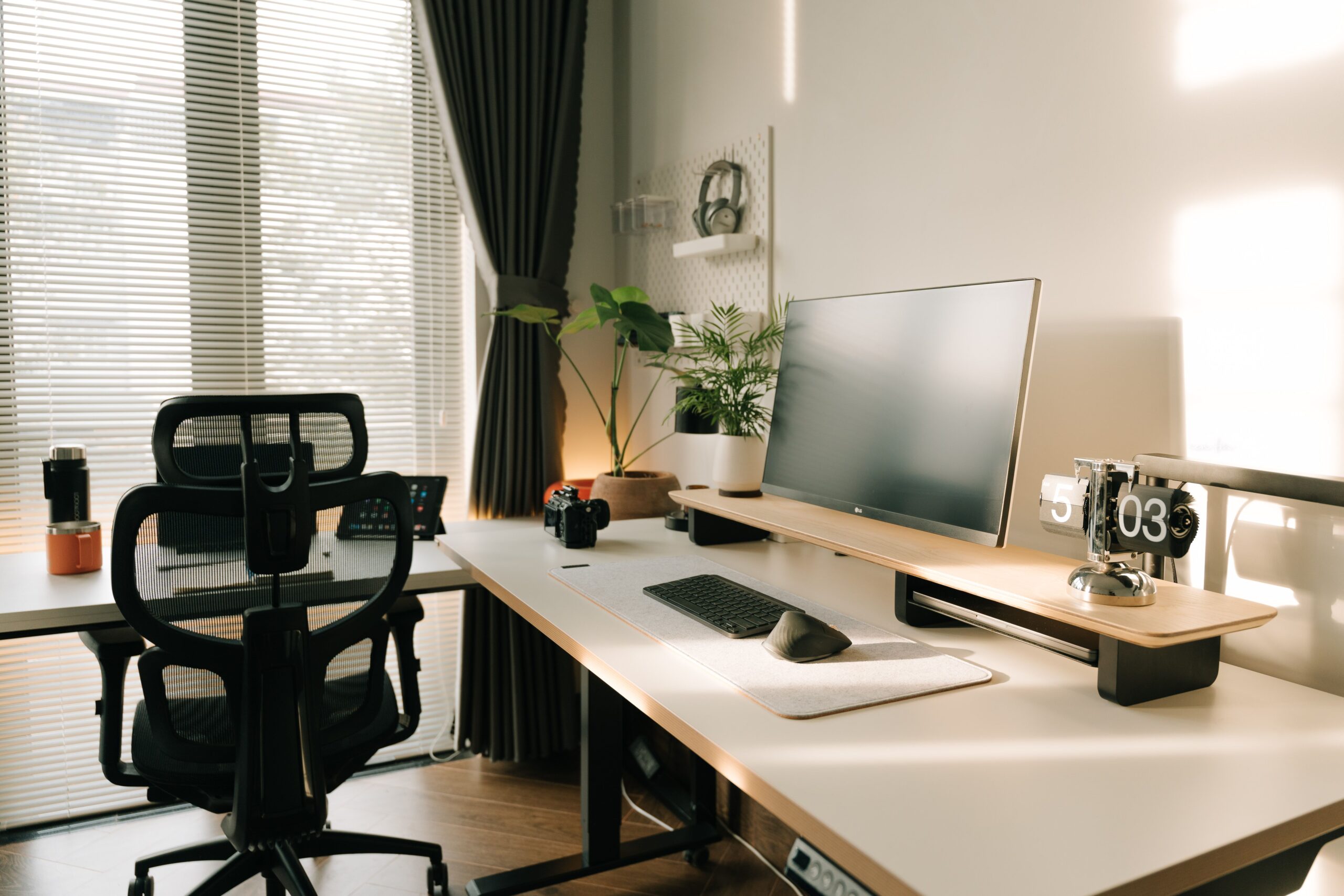
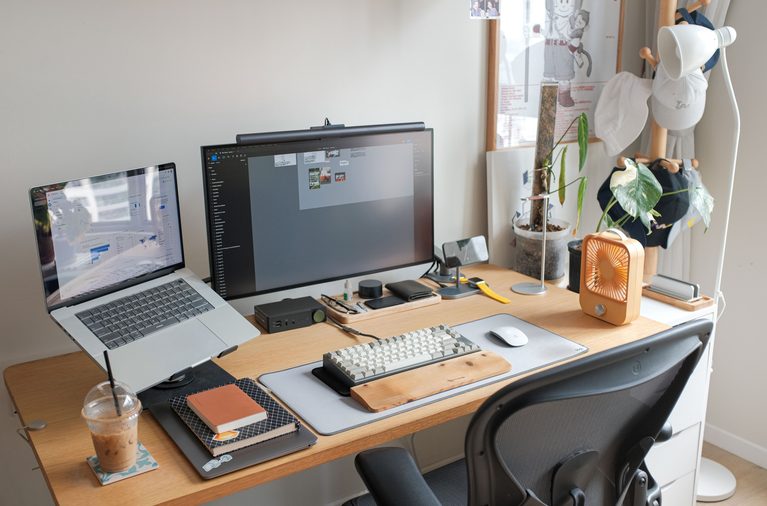
Cozy desk wallpapers are ideal for anyone who wants their digital workspace to feel warm and lived-in. Picture a small lamp glowing beside a laptop, a cup of tea near a stack of books, plants on a windowsill, or a rainy evening framed by soft curtains. These scenes create atmosphere without needing strong, distracting colors. If you are styling the physical room around your screen as well, renter-friendly decor solutions can help add personality without committing to permanent changes.
1. Warm study corner
Choose an illustration with a desk, bookshelf, and gentle amber lighting. Brown, cream, dusty pink, and muted green work especially well together. Keep the brightest lamp or window away from the area where desktop icons sit so labels remain readable.
2. Soft morning routine
A sunrise, breakfast tray, open journal, or small vase of flowers can give a laptop a fresh start-of-day feeling. Pale peach and butter yellow add energy while staying softer than a saturated yellow background.
3. Rainy window mood
Rainy windows, clouds, and little indoor scenes are popular because they feel peaceful in both work and study environments. Look for compositions with darker edges and a lighter center if you want a cinematic look, or reverse the contrast for a brighter desktop.
4. Tiny room illustrations
Miniature bedrooms, reading nooks, and creative studios make excellent aesthetic cute wallpapers. They reward a closer look while remaining cohesive from a distance. For a dual-monitor setup, select a wide image with a continuous room scene, or use two related images from the same palette.
| Cozy theme | Best mood | Helpful colors |
|---|---|---|
| Warm desk lamp | Focused and comfortable | Honey, cocoa, cream |
| Rainy window | Calm and reflective | Blue-gray, mauve, white |
| Plant corner | Fresh and natural | Sage, beige, terracotta |
| Reading nook | Quiet and imaginative | Lavender, navy, blush |
Minimalist & Clean Cute Wallpapers
Minimalist designs prove that cute does not have to mean crowded. A single smiling cloud, a tiny heart, a small bow, or a simple line-art character can bring personality to a screen while leaving plenty of breathing room. These designs are particularly useful for professional laptops, shared spaces, and productivity-focused desktops.
5. Single-object wallpapers
Pick one recognizable subject and give it generous space. A small bear in a corner, a floating strawberry, or a sleepy moon can look charming without competing with applications. The empty space also makes icons easier to scan.
6. Soft gradient backgrounds
Gradients are a reliable choice when you want a polished look. Try pink-to-lilac, mint-to-sky blue, cream-to-peach, or blue-to-white. A faint grain texture can add depth, but avoid heavy textures because they may make text and icons harder to read.
7. Minimalist cute wallpapers HD
For a crisp result, download minimalist cute wallpapers HD at the native resolution of your display. A simple design exposes quality problems more quickly than a busy illustration, so look for clean edges, smooth color transitions, and a source file that has not been compressed repeatedly.
8. Patterned micro-icons
Small repeating motifs such as stars, cherries, ribbons, or flowers can create a playful texture. Keep the pattern low contrast if you plan to place many folders on top of it. For a cleaner desktop, use a pattern only on one side and reserve the other side for shortcuts.
Anime, Cute Animals & Illustration Vibes
Expressive characters and hand-drawn scenes give a screen instant personality. Anime-inspired wallpapers can feel energetic, nostalgic, dreamy, or comforting depending on the pose and palette. Cute animals offer a more universal option, especially when you want a cheerful background that still feels calm.
9. Anime-inspired character portraits
Portrait-style art works best when the subject is placed to one side. This leaves a quiet zone for icons and makes the image easier to crop for different displays. Look for soft lighting, clear facial expression, and a background that supports rather than overwhelms the character.
10. Animal companions
Cats, dogs, rabbits, frogs, hamsters, and small woodland animals are timeless wallpaper subjects. A sleeping cat on a blanket suits a cozy desktop, while a tiny frog with a flower can brighten a phone lock screen. Match the animal’s expression to the mood you want to see every day.
11. Whimsical illustration scenes
Illustrated gardens, floating islands, magical cafés, and cloud kingdoms create a sense of discovery. These work well on a large monitor where details can be appreciated. On a laptop, choose a composition with a clear focal point so the image does not feel cramped after cropping.
If you use fan art or character-based artwork, check the creator’s usage terms before publishing it on a commercial website or using it in branded materials. For personal screen use, you should still respect the artist’s credit and download policies.
Seasonal & Pastel Color Palettes
Changing your wallpaper with the seasons keeps personalization fresh. You do not need a dramatic redesign. A shift in color and a few recognizable details can make the screen feel timely while preserving your overall aesthetic.
Spring: blush, mint, and lavender
Spring themes pair blossoms, ribbons, raindrops, and tiny animals with airy backgrounds. Use pale green for a natural look, or combine pink and lavender for a softer, dreamy result.
Summer: sky blue, lemon, and coral
Beach scenes, fruit illustrations, clouds, and sunny picnic motifs bring brightness to a desktop. If the colors feel too intense, use a cream base with small coral or yellow accents.
Autumn: terracotta, cinnamon, and beige
Leaves, sweaters, warm drinks, and book stacks are classic choices. Autumn wallpapers look especially good with dark brown text and warm neutral desktop icons.
Winter: icy blue, white, and berry
Snowy windows, knitted textures, stars, and small festive details create a cozy winter atmosphere. A deep berry accent adds contrast without making the screen feel overly dark.
| Palette | Visual character | Works well for |
|---|---|---|
| Blush + lavender | Dreamy and gentle | Phone lock screens and study laptops |
| Mint + cream | Fresh and clean | Productivity desktops |
| Peach + coral | Warm and cheerful | Creative workspaces |
| Sky blue + white | Open and peaceful | Wide monitors and dual screens |
Cute Background Ideas for Phone and PC
Using the same visual identity across devices can make your setup feel intentional. The key is not to use one image everywhere. Instead, choose a shared palette or theme and adapt the composition to each screen.
For a phone, try a portrait illustration with the subject in the lower half and open space near the top for the clock. For a PC, use a landscape version of the same scene with a calmer middle area. A pink cloud theme, for example, can become a vertical cloud-and-moon lock screen and a wide pastel-sky desktop background.
Other strong combinations include a lavender cat for your phone and a lavender reading nook for your laptop; a mint frog lock screen and a mint garden desktop; or a cream-and-brown coffee illustration across both devices. This approach creates consistency without making every screen identical.
Interactive Pro-Tips: Resolution, Quality, and Image Ratios
The right image can still look wrong if its dimensions do not match your screen. Resolution describes the number of pixels in an image. Aspect ratio describes the relationship between its width and height. Both matter when selecting cute wallpapers for desktop and laptop displays.
| Device or display | Common resolution | Recommended starting point |
|---|---|---|
| Standard laptop or monitor | 1920 × 1080 | Full HD landscape wallpaper |
| QHD display | 2560 × 1440 | QHD file for sharper detail |
| 4K monitor or TV | 3840 × 2160 | 4K wallpaper with a 16:9 ratio |
| Modern smartphone | Varies by model | High-resolution portrait image |
Choose native or higher resolution
Whenever possible, choose an image that matches your display’s native resolution. A larger file can work too, because the device can scale it down. A smaller file may become soft when enlarged, especially around line art and text.
Check the aspect ratio
Most desktop and laptop screens are landscape, often close to 16:9. Some ultrawide monitors use wider ratios, while phones are portrait and much taller. If the ratio is different, the operating system may crop the sides or add empty space. Preview the wallpaper before applying it.
Use Fill, Fit, or Center intentionally
Fill covers the screen but may crop edges. Fit shows the whole image but can leave borders. Center preserves the original size but may look small on a high-resolution display. Choose the setting based on whether the subject or the full composition matters more.
Protect text and icons
Do not place important characters, faces, or lettering beneath a row of icons. A slightly quieter area improves readability. If a wallpaper is beautiful but too busy, add a subtle blur or lower the contrast in an image editor before using it.
Check file format and licensing
JPEG is practical for photographic scenes, while PNG is useful for illustrations with crisp edges or transparency. Use the original download rather than a screenshot. If you publish a wallpaper preview or use artwork commercially, follow the creator’s license and attribution requirements.
How to Build a Wallpaper Collection That Stays Fresh
A small, organized collection is easier to enjoy than a folder filled with random downloads. Create folders such as Cozy, Minimal, Anime, Animals, Seasonal, Phone, and 4K. Add the display size to filenames so you can choose quickly later, such as lavender-cat-3840x2160.jpg.
It also helps to keep a simple rotation. Use a calm background during work hours, a more expressive illustration for creative sessions, and a seasonal design when you want a change. If your operating system supports automatic rotation, select images from the same palette so the transition feels coherent.
Finally, review your collection every few months. Remove duplicates, delete low-quality files, and keep a separate folder for images that need permission before public use. For physical items competing with your visual workspace, smart storage solutions can also help keep your living space organized. This makes your wallpaper habit both attractive and responsible.
Frequently Asked Questions About Cute Wallpapers
Where can I find free HD cute wallpapers?
You can find free HD cute wallpapers on reputable wallpaper libraries, creator portfolios, and stock-image platforms. Always check the license, select the correct resolution, and credit the creator when required. Avoid downloading from pages that obscure the original source or offer suspicious files.
How do I set a cute wallpaper without losing quality?
Download an image that matches or exceeds your screen resolution, keep the original file, and choose Fill, Fit, or Center according to the image ratio. Avoid repeatedly saving compressed copies. If the image contains fine line art, PNG may preserve edges better than a heavily compressed JPEG.
What size should a cute wallpaper be for a laptop?
Many laptops use a 16:9 display, so 1920×1080 is a dependable starting point. A 2560×1440 or 3840×2160 file is better for higher-resolution displays, provided the aspect ratio matches. Check your device settings before downloading so you can choose the closest native size.
What are the best cute background ideas for phone and PC?
Try coordinated pastel gradients, tiny illustrated characters, cozy desk scenes, soft clouds, seasonal motifs, or a shared color palette adapted separately for portrait phone screens and landscape PC screens. Matching the colors is usually more effective than forcing the same image onto every device.
Are minimalist cute wallpapers good for productivity?
Yes. Minimal designs with gentle contrast and open space can add personality without competing with icons, windows, or text. Keep important areas visually quiet and test the wallpaper with your preferred light or dark interface mode.
Final Takeaway
The best cute wallpapers combine visual charm with practical screen design. Start with the mood you want, choose a palette that feels natural, and then match the file to your device’s resolution and ratio. From a cozy reading nook to minimalist cute wallpapers HD, the right background can make your desktop, laptop, phone, or PC feel more inviting every time you unlock it.
Save a few favorites, test them with your icons, and do not be afraid to rotate your style. Your screen is part of your everyday environment, so let it reflect a version of your personality that feels calm, creative, and unmistakably yours.
2 Comments
Comments are closed.